AI Product Engineering
Build practical AI features with governed data and outputs.
RAG / Agents / Guardrails
Modular Product Development
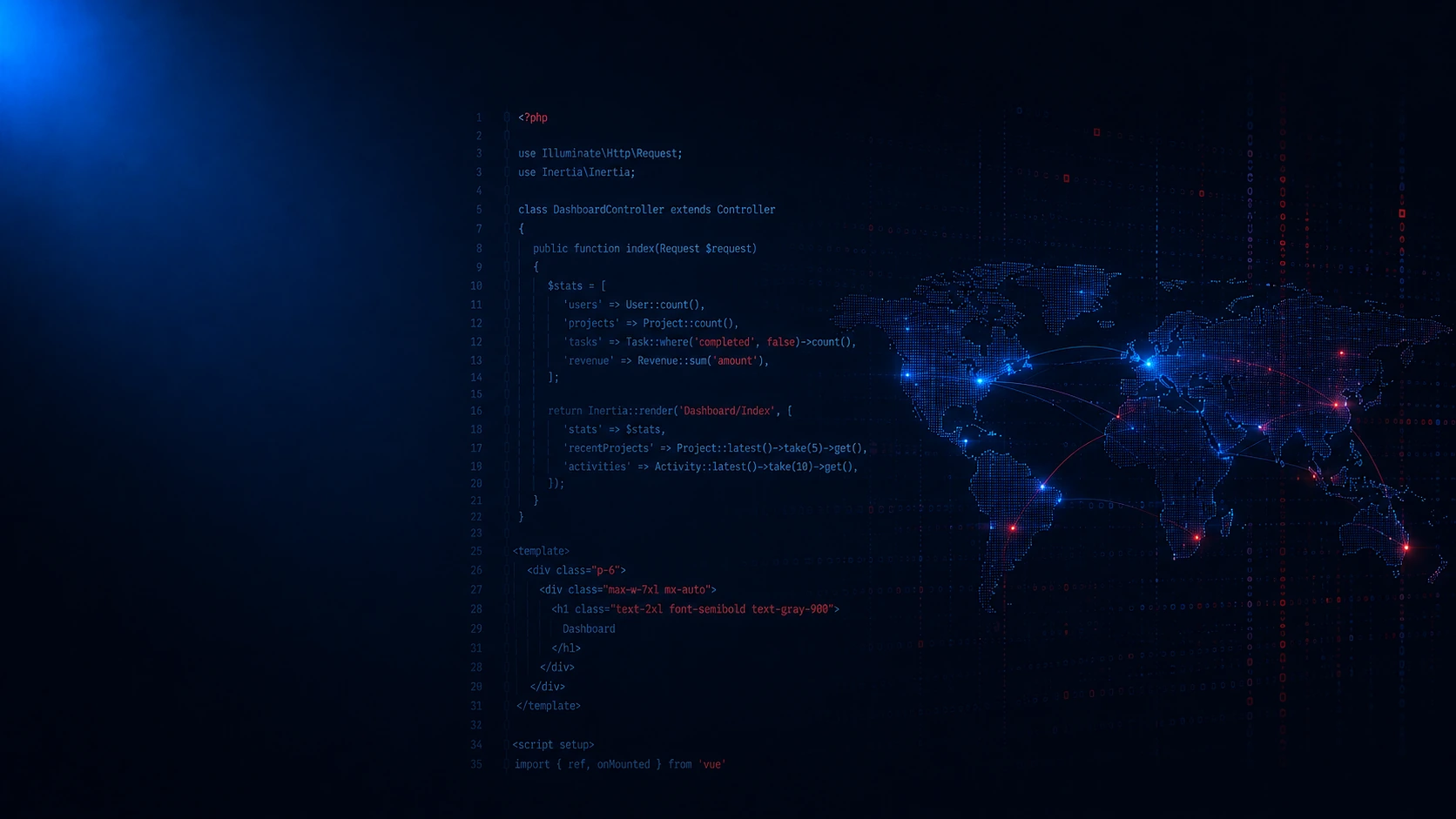
Laravel owns product logic while Inertia brings SSR-friendly React screens into the app.
For dashboards, portals, SaaS modules, internal tools and AI-ready workflows.
Laravel keeps the rules; Inertia carries them into React pages.
Kavita Systems helps teams plan, build, launch and support Laravel products where React improves daily screens without turning the frontend into a separate system.
We treat this as full-stack product engineering. Before coding, we clarify the business workflow, user roles, data model, permissions, internal modules, release risks and support plan. That keeps technical choices tied to the product instead of adding layers because they sound modern.
Laravel remains the application core for routing, controllers, business rules, authentication, roles, validation, records, queues, integrations, files and secure actions. Inertia.js carries Laravel context into React pages, so page data, redirects and validation errors stay close to server decisions.
React is used for responsive working screens: dashboards, forms, filters, tables, dialogs, admin flows, review queues and account areas. SSR support helps selected routes with first delivery, while the codebase stays organized around Laravel modules rather than a separate frontend product.
We can join at New, Scaling, Support or Modernization stages: shaping an MVP, adding modules to a SaaS product, improving a live portal, or replacing older Laravel, PHP, React, jQuery, WordPress or custom screens. AI features can be added through Laravel AI SDK, MCP or provider integrations only where they solve a real workflow, with permissions, queues, logs and review states planned first.
Kavita Systems looks at an Inertia SSR setup with Laravel and React as one product system: modules, records, roles, interface states, AI-ready workflows, deployment and support. The goal is to avoid architecture that the product does not need while keeping a path for growth after release.
Build practical AI features with governed data and outputs.
RAG / Agents / Guardrails
Design clear user flows, interfaces, and scalable UI systems.
UX UI / Figma / Design Systems
Structure reliable product data for scale and clear reporting.
Schemas / Events / Analytics
Protect product data with roles, policies, and secure flows.
Auth / Roles / Permissions
Improve speed, stability, and Core Web Vitals across products.
CWV / Caching / Profiling
Automate cloud delivery, recovery, environments, and uptime.
CI CD / Cloud / Recovery
Connect business tools, payments, and external data services.
CRM / Payments / Webhooks
Stabilize fragile systems before upgrades and safe migration.
Audit / Risk / Refactoring
Inertia SSR with Laravel and React fits accounts, dashboards, forms, admin flows, reports, approvals and responsive private screens. Less suited to static content platforms.
Laravel with Inertia and React helps SaaS products when accounts, roles and plan changes must stay clear as customer use grows. Teams get a structure they can support after launch.
Inertia SSR with React helps internal admin tools when daily operations need less spreadsheet work and fewer manual handoffs. Managers and support teams get better visibility.
React screens on Laravel help analytics dashboards when teams need one useful view instead of scattered reports. Teams get reports that guide decisions.
Use a Laravel-driven React interface for booking systems when availability and staff actions must stay coordinated. Teams get fewer scheduling conflicts.
Work on marketplaces needs more than screens. With Inertia React, participant roles, listings and moderation paths can turn into clearer expectations on both sides.
Laravel routes with React help CRM and ERP tools when records and approvals must match how the business really works. The goal is a system staff can use without hidden side processes.
For AI automation, React SSR over Laravel can connect intake rules, approvals and assisted actions with daily work. That creates automation people can trust, adjust and monitor.
A React Inertia workflow is a fit for AI dashboards when AI output needs context, review and a safe place to act. It keeps work tied to a workspace for review and correction.
Laravel React pages suit MVP launches where early scope needs proof without locking in poor shortcuts. The team gets a launchable path where learning stays visible.
For legacy modernization, React inside Inertia helps when old screens still carry important business knowledge. The team gets a safer path to improve the product in stages.
A Laravel Inertia setup is useful for developer tools when technical teams need clearer delivery signals. The benefit is internal tools that reduce friction during delivery.
In fintech apps, typed React on Laravel keeps attention on secure records, reviews and operational checks. That supports finance workflows staff can review with confidence.
Expert Insight from Kavita Systems
Inertia SSR, Laravel and React are worth combining when a product needs one application core, responsive working screens, clear permissions, admin flows and a codebase that can grow without unnecessary frontend separation.
The best fit is a product where users log in and work with records. They may manage accounts, approve requests, review documents, update booking states, run reports, handle support queues or operate internal tools. A founder may need an MVP with only the workflows that prove value. A SaaS team may need billing, roles, dashboards and account settings. An operations team may need CRM views, service portals, document processing or eCommerce admin screens. In each case, Laravel can own the product rules while React makes the interface easier to use.
This approach is also useful when a team wants modern frontend behavior but does not need a separate frontend application for every screen. Inertia.js lets Laravel routes and controllers return React page components. Users still get interactive forms, filters, tables and modals, but authentication, redirects, validation errors and page props stay near the backend that produced them. That makes the system easier to understand for one full-stack team.
Why Laravel remains the application core. Laravel is not just a backend API in this architecture. It defines routing, controllers, business rules, validation, user accounts, roles, permissions, database logic, queues, notifications, file uploads, scheduled tasks, integrations and secure actions. These are the parts of the product that must stay predictable after launch. If a permission changes, a report gets a new rule, or a payment workflow needs another state, the main logic should be in Laravel, not hidden across interface components.
Keeping the product centered in Laravel also helps support. A long-running import can move into a queue. An approval rule can be tested in one place. An admin module can grow without changing every screen. A failed integration can have retries and logs. React still matters, but it should show product decisions rather than become the source of truth for them.
What Inertia.js contributes. Inertia is the bridge between Laravel and React. It gives the team page-level React components while preserving a server-led application flow. For clients, that means fewer duplicated routes, fewer internal endpoints that exist only to feed one screen, and cleaner handling of page props, validation errors and redirects. It works especially well for dashboards, portals, CRUD flows, admin panels, SaaS account areas and internal tools where users spend time completing tasks.
Inertia should not be confused with a standalone frontend framework. It is valuable because it keeps the product closer to Laravel while still giving React enough room for a modern interface. It does not automatically solve every performance or search problem. SSR must be planned through the actual deployment model, runtime behavior, logs, caching and build process.
Role of React. React is the UI layer inside the product. It is useful for reusable components, tables, filters, forms, dialogs, review panels, dashboards, settings screens and stateful workflows. A good React screen does more than render data: it explains what is loading, what failed, what can be changed, which action is blocked and what happens next. Tailwind CSS, ShadCN-style components, Storybook and TypeScript can help keep those patterns consistent when the interface grows.
React does not own backend architecture. It should not decide whether a user may approve, export, delete or trigger a sensitive workflow. Those checks belong in Laravel. The interface should reflect allowed actions clearly and avoid making security or data assumptions in the browser.
Architecture from the selected filters. This page is about Modular Monolith Architecture and AI-Oriented Modular Monolith when AI features are needed. Modules may include users, teams, billing, dashboards, reports, documents, notifications, integrations, admin tools and AI workflows. They live inside one Laravel application, but they should still have clear responsibilities, naming, tests and support ownership. A modular application is not an excuse to mix every concern together; it is a way to keep a single product understandable.
AI features fit this model when they are treated as backend-controlled modules. Search, summarization, document analysis, support copilots, internal assistants, classification, report generation or data extraction should pass through Laravel permissions, data access rules, queues, logs, provider limits, fallback states and human review where needed. React can show context, status, generated output, edit states and approvals. It should not send private records directly to an AI provider from the browser.
Technology selection. Kavita Systems starts with the business goal, user roles, product flows, interface complexity, backend rules, data model, integrations, security needs, possible AI use cases, deployment target and support plan. Then we choose the pieces that fit: Laravel, PHP, Inertia.js, React, TypeScript, JavaScript, Vite, Tailwind CSS, ShadCN-style components, Storybook, MySQL or PostgreSQL, Redis, PestPHP, Docker, GitHub Actions and a hosting target such as DigitalOcean, AWS or Google Cloud.
Laravel AI SDK can help organize provider calls, prompts and actions inside Laravel. MCP can be considered when AI workflows need controlled access to tools or product context. Laravel Boost supports developer productivity and Laravel workflow; it is not a customer-facing feature by itself. OpenAI, Claude or Gemini are selected only when the use case justifies them through output quality, privacy expectations, cost, latency and review needs.
API strategy without making API the center. The main web product can rely on Laravel routes and Inertia page props. REST endpoints are still useful for mobile clients, partner integrations, webhooks, exports, embedded widgets or public data surfaces. GraphQL should be considered only when flexible reads clearly help a complex dashboard or external consumer. Validation, authentication and authorization remain Laravel responsibilities. The product should not grow an internal endpoint for every screen unless there is a real consumer and a clear reason.
Deployment target. Deployment depends on the product. A Laravel application with Inertia and React may run on DigitalOcean, AWS, Google Cloud, a VPS or Docker-based infrastructure. Vite builds the frontend assets. GitHub Actions can run tests, builds and deployment checks. Cloudflare can help with DNS, caching and protection. Queues, workers and scheduled jobs should be planned for imports, exports, notifications, report generation, webhooks, provider sync and AI processing. SSR adds runtime concerns, so process management and logs need attention before release.
Data and storage. MySQL is often enough for classic business products. PostgreSQL can fit richer models, advanced queries and stronger search needs. Redis can support cache, queues, sessions, locks and performance. Files may need local, cloud or object storage depending on documents, media, privacy and retention. BigQuery belongs in analytics-heavy products. Supabase can be useful only when its managed services fit the architecture. AI scenarios may also need document storage, embeddings for search, audit trails and careful rules before product data becomes model context.
Auth and access model. Products built this way often need user accounts, teams, roles, permissions, admin access, client portals, private dashboards, plan-based limits and secure handling of sensitive data. If AI features exist, access also decides who can use them, which records they can read, which output requires review and what should be logged. Laravel should enforce those rules. React should make allowed actions visible and blocked actions understandable.
Async work and operational reliability. Many tasks should not run inside a normal page request. Imports, exports, report generation, document processing, notifications, webhooks, scheduled tasks and long-running AI operations belong in queues or background jobs when they are slow or failure-prone. React can show queued, processing, completed, failed and retry states. Real-time updates are useful only when they improve the workflow; many products need reliable background work more than live updates.
SEO, content and responsive UI. SSR can support crawlable public or semi-public pages where the project setup supports it, but this page is not about a static publishing platform. Private dashboards do not need search visibility; they need speed, trust, permissions and clear states. Responsive UI means complex tables, filters, forms and navigation should work across desktop, tablet and mobile without pretending to be a full mobile app replacement.
How Kavita Systems works. We begin by understanding the product goal, users, existing codebase or Figma file, and the smallest release that proves value. Then we define the modular Laravel architecture, plan Inertia page structure, map roles and permissions, choose the data model and decide where AI modules are useful. Development builds Laravel modules, policies, jobs, integrations and React pages through Inertia. QA checks permissions, validation, page props, forms, SSR behavior, queues, edge cases and deployment steps. After release, we document decisions and keep improving the product as real usage shows what should change.
If you want to hire an Inertia SSR, Laravel and React developer team from Kavita Systems, we can help build a modular Laravel product with responsive React interfaces, controlled backend logic and AI-ready modules where they make sense.
Hourly Rate
Senior talent by role.
Specialists
Matched to your project.
Tracked Hours
Verified Upwork history.
Min. Budget
Trusted since 2015.