Release Planning
Scope, risks, roadmap, roles, budget, and first-release priorities.
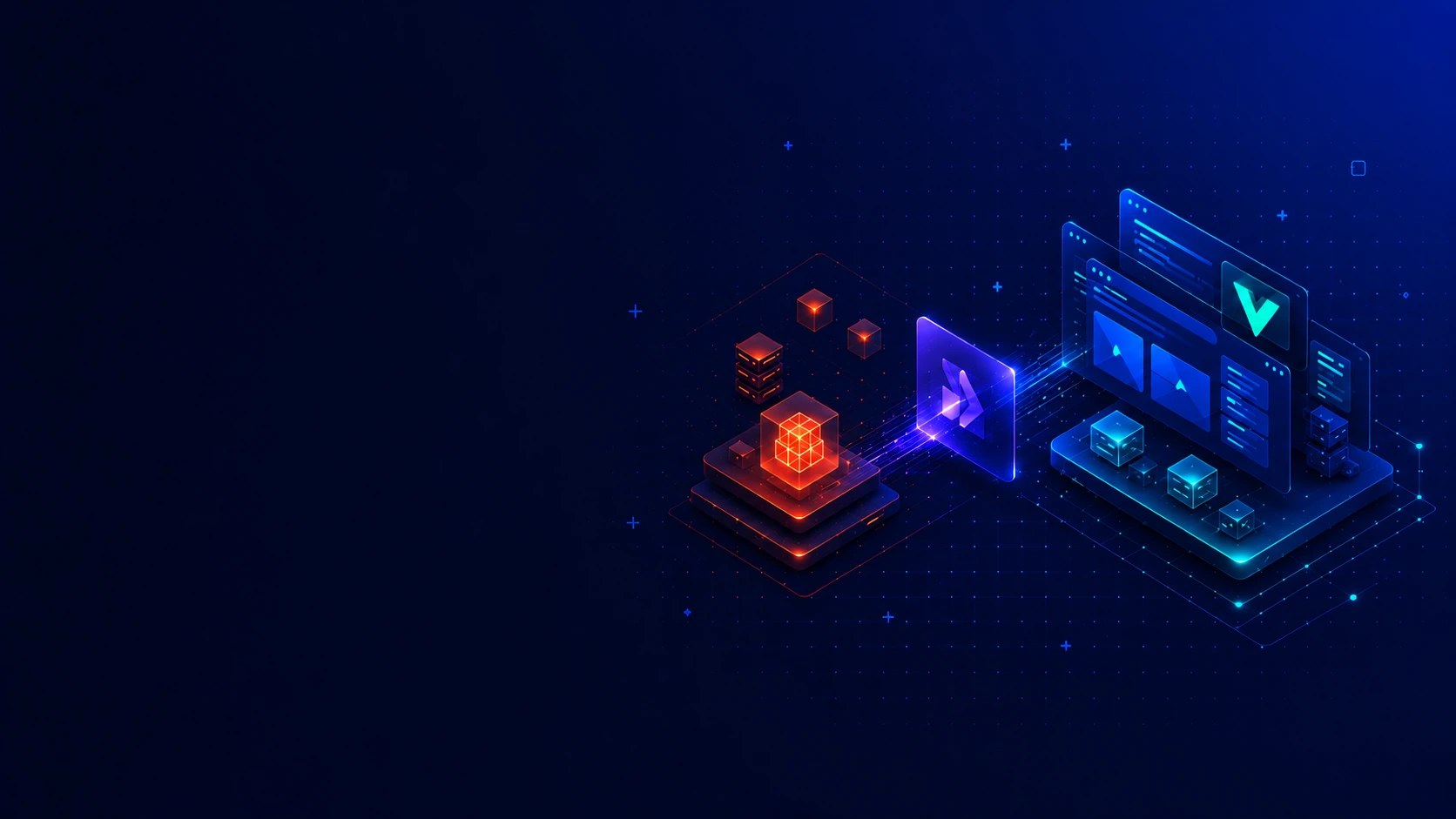
Modular Monolithic Architecture
Laravel stays the product core while Inertia renders responsive Vue pages with SSR.
For SaaS, portals, dashboards, internal tools and AI-ready modules.
Inertia connects Laravel rules with Vue pages and SSR delivery.
Kavita Systems helps teams plan, build, launch and support web products where Laravel remains the application core and Vue improves the working screens.
This approach is useful when a product needs modern interaction without turning the frontend into a separate product to maintain. We start with the business workflow, user roles, records, permissions, release risk and support model, then decide how much interface complexity the product actually needs.
Laravel owns routing, business rules, authentication, permissions, validation, database work, queues, files, admin areas, integrations and deployment concerns. Inertia.js carries Laravel page context into Vue components, so redirects, validation errors and page data stay close to the server logic.
Vue is used for responsive product screens: dashboards, forms, filters, tables, settings, portals and review flows. SSR helps the first page delivery where it matters, while the product still keeps one understandable Laravel application instead of two competing layers.
We can join at New, Scaling, Support or Modernization stages: shaping an MVP, organizing modules in a growing SaaS product, improving a live portal, or replacing older Laravel, PHP, Vue, WordPress, Yii or custom screens. AI can be added inside Laravel rules when it solves a real task, with permissions, logs, queues and review states planned before users depend on it. This keeps roadmap decisions practical because modules, page behavior and backend responsibilities stay visible to the same delivery team.
Kavita Systems looks at an Inertia SSR setup with Laravel and Vue as one operating system: modules, roles, records, interface states, AI-ready workflows, deployment and support. That gives clients a practical path from first release to later growth without adding architecture that the product does not need.
Scope, risks, roadmap, roles, budget, and first-release priorities.
Flows, wireframes, UI states, components, and responsive rules.
Dashboards, portals, account areas, forms, and fast app interfaces.
Auth, roles, admin logic, queues, payments, jobs, and data models.
Prompts, copilots, RAG, model outputs, review points, and permissions.
Audits, refactoring, migration paths, data repair, and safer upgrades.
REST, GraphQL, webhooks, CRM/ERP sync, payments, and vendor APIs.
Staging, CI/CD, deployment checks, monitoring, fixes, and support loops.
Inertia SSR with Laravel and Vue is a strong fit for products with accounts, dashboards, forms, approvals, internal workflows, modular backend logic and responsive screens. It is less suited to projects where static publishing or a fully separate frontend is the main requirement.
AI-enabled SaaS platforms with accounts, roles, dashboards, billing-adjacent workflows, API logic and product automation. Laravel controls backend rules and AI access; Nuxt supports public pages and private app screens.
Admin panels, back offices and internal tools for secure operations, approvals, imports, exports and AI-assisted staff workflows. Laravel protects access; Nuxt gives teams clear dashboards.
Data-heavy business applications where AI can support summaries, recommendations, anomaly review or reporting flows. Laravel manages storage and jobs; Nuxt presents fast dashboard views.
Booking and scheduling platforms where AI can assist with routing, availability context, support replies or internal decisions. Laravel handles rules and queues; Nuxt delivers portals and pages.
Marketplaces that connect customers, vendors, partners, providers or internal participants. We build user flows, search, booking, checkout, payments, accounts, dashboards, administration and integrations with Laravel, Vue, Nuxt, React, Next, REST, GraphQL and cloud services.
CRM, ERP and business systems with AI support for notes, classification, follow-ups, search and workflow automation. Laravel keeps records secure while Nuxt gives teams usable screens.
Internal automation systems for routing requests, processing documents, preparing drafts, sending notifications and reducing repeated manual work. Laravel handles queues, rules and AI actions while Nuxt keeps the workflow visible.
Client dashboards, AI copilots and review interfaces where users inspect output, approve changes and continue work. Laravel controls data and permissions; Nuxt gives fast, responsive product screens.
AI-ready MVPs that need a practical first release and room to grow. Laravel gives backend structure, Nuxt supports SSR/SSG interfaces, and AI is added only where the workflow is clear.
Legacy product modernization for old PHP, Yii, CodeIgniter, WordPress, custom Laravel or messy web applications that still support real business work. We audit what exists, protect working logic, refactor in stages, improve UX, add APIs and prepare a safer path to Laravel or modern frontend delivery.
Education platforms with AI support for learning content, search, feedback, summaries or tutor-style workflows. Nuxt helps public and private pages; Laravel manages users, roles and progress.
Healthcare and wellness products for scheduling, patient or provider portals, administration, dashboards, secure workflows and integrations. We plan around privacy, user roles, data access, responsive UX, audit needs and backend reliability before adding AI or automation.
Expert Insight from Kavita Systems
Inertia SSR, Laravel and Vue are worth combining when the product needs one application core, responsive screens, clear states, practical forms and a maintainable path for future modules.
The best fit is not a simple brochure site. It is a product where people sign in, complete tasks, manage records, review data, update statuses, submit forms, approve changes or work inside dashboards. A founder may need an MVP with account flows and a few important workflows. A SaaS team may need billing rules, user roles, reports and internal admin tools. An operations team may need booking screens, CRM views, document workflows or service portals. In each case, the product benefits from one Laravel application that owns the rules and a Vue interface that makes daily work clearer.
This direction is also useful when a team wants a modern interface but does not want to maintain a fully separate frontend application. Inertia.js lets Laravel routes return Vue page components. The user still gets interactive screens, but authentication, redirects, validation errors and page props remain close to the backend. That reduces the chance of two teams rebuilding the same rules in different places.
Why Laravel remains the product core. In this architecture, Laravel is not just an endpoint provider. It defines routing, application structure, business rules, validation, user accounts, permissions, database logic, queues, notifications, file handling, integrations, admin tools and deployment behavior. This matters because the most important product decisions usually live outside the interface: who can approve a request, which record can be exported, when a job should run, what happens after a failed payment, or how an integration should recover from an error.
Keeping those rules in Laravel makes the product easier to reason about after launch. A pricing rule can change without rewriting every table. A new role can be added without relying on hidden frontend assumptions. A long-running import can move into a queue. An admin area can be extended with Filament or custom Laravel modules. The result is not a small demo wrapped in Vue; it is a Laravel application that can keep supporting real business work.
What Inertia.js adds. Inertia is the bridge between Laravel and Vue. It gives the team page-level Vue components while keeping the server route as the entry point. For clients, the value is practical: fewer duplicated routes, fewer unnecessary request contracts, cleaner handling of validation errors and a simpler way to build authenticated screens. Dashboards, portals, CRUD flows, settings areas and internal tools can feel modern without forcing the project into a heavier frontend structure too early.
Inertia should not be described as the same thing as Nuxt or Next.js. It solves a different problem. It helps a Laravel application use Vue for screens while staying one product. That is why it works well for teams that want responsive product workflows, not a separate website platform and not a public content system as the main focus.
Role of Vue. Vue is the interface layer. It is useful for reusable components, forms, filters, tables, modals, dashboards, status views and stateful product flows. A good Vue screen does not only look modern; it explains what is loading, what failed, what changed, what can be edited and what the user should do next. Vue can work with Tailwind CSS, PrimeVue, Storybook, TypeScript and custom component patterns when the project needs stronger UI consistency.
Vue does not own backend rules. It should not decide who has permission, which record is valid, or whether a sensitive action can run. It should reflect decisions made by Laravel and give people a clear interface for those decisions. This distinction protects the product from bugs that appear when business logic is scattered across components.
SSR by intention. Server-side rendering is selected for this page, so it should be treated as a deployment and performance decision, not a buzzword. SSR can improve initial page delivery for selected public or authenticated routes and can help the first render feel less empty. It also adds runtime concerns: build steps, server resources, caching, logs and process management. Kavita Systems plans those details before launch instead of assuming rendering behavior will solve performance by itself.
This page is not about static generation, and it is not about turning the product into an installable mobile replacement. If a client needs a content-heavy publishing platform or an offline-first application, another architecture may be a better fit. This Laravel-centered Inertia and Vue setup is strongest when the main product work happens in accounts, dashboards, admin areas and operational flows.
Architecture from the selected filters. The architecture is a modular monolith and can become an AI-oriented modular monolith when the product needs AI features. Modules may include users, teams, billing, content, reports, bookings, documents, notifications, integrations, admin tools and AI workflows. They live inside one Laravel application, but they should still have clear boundaries, naming, tests and ownership. A monolith becomes hard to maintain when every concern is mixed together; a modular monolith stays useful when responsibilities are visible.
AI features belong inside those boundaries. Search assistance, summarization, document analysis, support drafts, classification, report generation, data extraction or internal assistants should pass through Laravel permissions, data access rules, queues, logs, limits and fallback behavior. Vue can show the workflow: context, progress, generated output, review steps, edit states and approvals. It should not call providers directly with private data from the browser.
Technology selection. Kavita Systems starts with the business goal, product stage, user roles, flows, data model, admin needs, security, possible AI use cases, deployment target and support plan. Then we choose only the useful pieces: Laravel, Inertia.js, VueJS, TypeScript, Vite, Tailwind CSS, PrimeVue, Storybook, MySQL or PostgreSQL, Redis, PestPHP, Docker, GitHub Actions and a suitable cloud or VPS target.
Laravel AI SDK can help organize provider calls, prompts and actions inside Laravel. MCP is considered when AI needs controlled tool access. Laravel Boost supports developer productivity, not a customer-facing feature. OpenAI, Claude or Gemini are selected only when the use case justifies them through output quality, privacy, cost, latency and review needs.
API strategy without making API the architecture. The main web product can rely on Laravel routes and Inertia page props. That does not mean APIs disappear. REST endpoints may be needed for mobile clients, partner integrations, webhooks, exports, embedded widgets or public data surfaces. GraphQL should be considered only when flexible reads clearly help a complex dashboard or external client. Versioning is important when outside consumers depend on the contract; it is unnecessary ceremony for every internal page.
Data and storage. The data layer should match the product. MySQL fits many business systems. PostgreSQL can support richer models and advanced queries. Redis helps with cache, queues, sessions and locks. Files may need local, cloud or object storage depending on privacy and retention. BigQuery belongs in analytics-heavy products. AI-related prompts, output, logs and review history need storage rules from the beginning.
Auth and access model. Products built this way often need user accounts, teams, roles, permissions, admin access, client portals, private dashboards, plan-based limits and secure handling of sensitive records. If AI features are present, access must also decide who can use them, which records can become context, who can approve output and what should be logged. Laravel should enforce those rules. Vue should make the allowed actions visible and the unavailable actions understandable.
Async work and operational reliability. Many tasks should not run inside a normal page request. Imports, exports, report generation, notifications, webhooks, provider sync, document processing and long-running AI tasks belong in queues or scheduled jobs when they are slow or failure-prone. The interface should show queued, processing, completed, failed and retry states. Real-time updates are useful only when they improve the workflow; many products simply need reliable background work and honest feedback.
SEO, content and responsive UI. SSR can support crawlable public pages where needed, but private areas do not need search visibility. Laravel can control metadata and content structure; Vue can render responsive product pages and authenticated screens. If editorial publishing is the main goal, another content layer may be better. Here, the priority is usable dashboards and forms across desktop, tablet and mobile.
How Kavita Systems works. We start by understanding the product goal, users, existing codebase or Figma file, and the smallest release that proves value. Then we define the modular Laravel architecture, plan Inertia page responsibilities, decide where SSR is useful, refine product flows and choose the data model. Development builds Laravel modules, policies, jobs, integrations and Inertia/Vue pages. AI features are added only when they support a real workflow. QA checks permissions, validation, page props, forms, SSR behavior, queues, edge cases and deployment steps. After release, we document decisions and support improvements as real usage shows what should change.
If you want to hire an Inertia SSR, Laravel and Vue developer team from Kavita Systems, we can help turn backend rules, Vue screens and AI-ready product modules into a Laravel application that is easier to launch, support, modernize and grow.
Hourly Rate
Senior talent by role.
Specialists
Matched to your project.
Tracked Hours
Verified Upwork history.
Earned on Upwork
Trusted since 2015.